
If you regularly work with the SAP GUI in SAP S/4HANA, creating a personalized Favorites menu is one of the easiest ways to save time. Instead of navigating through the SAP Menu every time you need a transaction, you can keep your most frequently used transactions, files, and even web links in one convenient location. In this post, you'll learn several ways to build and customize your Favorites menu, whether you already know the transaction code or prefer to browse the SAP Menu. Unlike the SAP Menu, the Favorites menu is your personal menu. In other words, it’s a menu that you can freely design and set up as you would your living room. Almost all SAP users add their transactions to the SAP Easy Access window as favorites, and you should too. You can enter not only transactions but also links to files, subfolders, and web addresses. Do you use SAP GUI and SAP Fiori apps at the same time? With web addresses, you can also integrate links to apps in your favorites. Import Ready-to-Use Favorites Menu Before you create your own Favorites menu, here’s the first tip: You don’t need to reinvent the wheel. Have you perhaps already seen a wonderful Favorites menu from a nice colleague set up ...
Related

What Is the SAP Alert Notification Service for SAP BTP?
9 hours ago
2


True or False: Autonomous Enterprise Edition with Jan Gilg
13 hours ago
2

10 Ways to Streamline Hospitality Finance
1 day ago
5
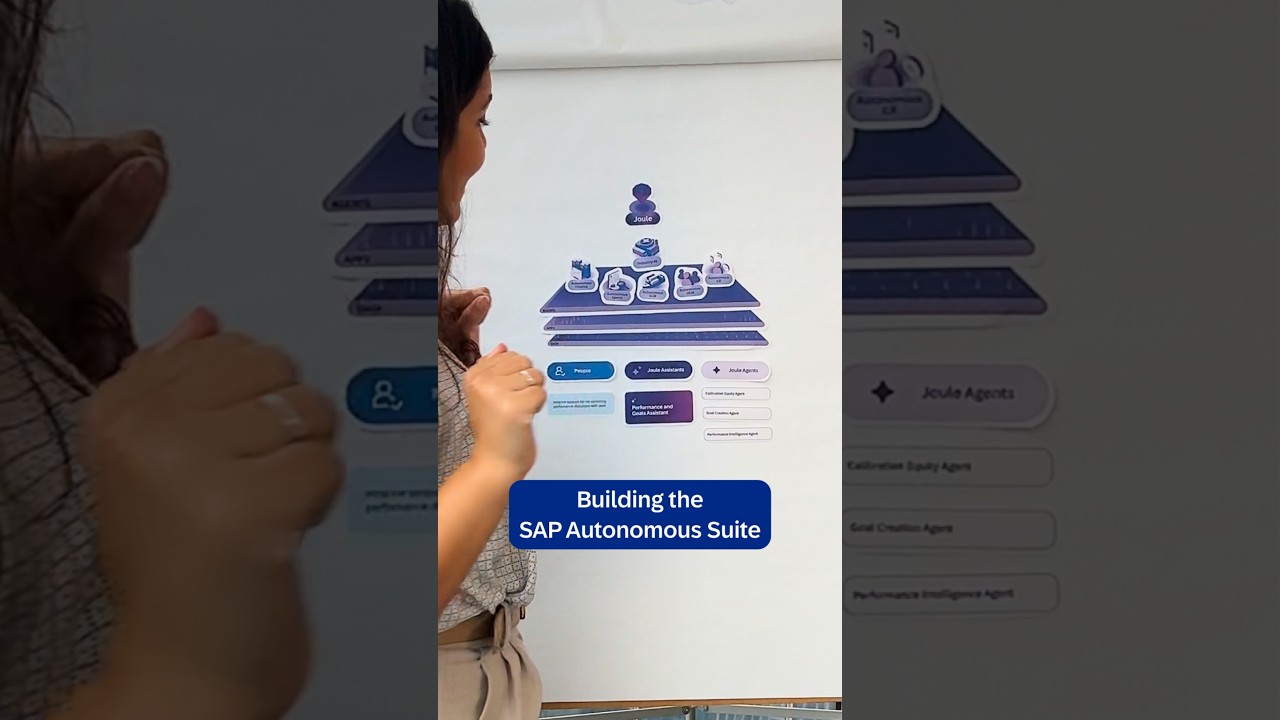

GROW the Business | SAP GROW AI Cloud ERP
2 days ago
4
Popular
![[테크 차이나] DeepSeek V4 Flash 1위… 중국 모델 강세 지속(OpenRouter 주간 AI 모델 사용량 순위)](https://img.etnews.com/news/article/2026/08/06/news-p.v1.20260806.379c2eee15bb4be5b29d934a203a6106_Z1.jpg)



마키나락스, 중견 제조사 현장에 AI 네이티브 팩토리 구축한다
4 weeks ago
63


제니, 빌보드 라디오 차트 1위…'골든' 이어 두 번째
3 weeks ago
59
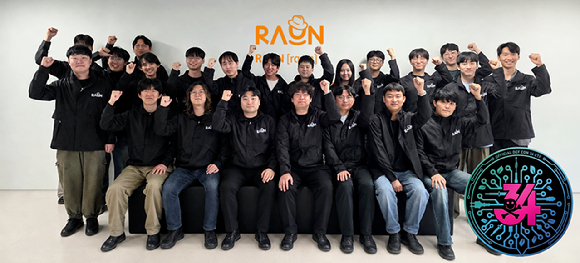
라온시큐어 화이트해커 23명, 국제 해킹 대회 '데프콘 CTF 2026' 본선행
3 weeks ago
56


'산골총각 영웅' 차승원·김도훈 합류…임영웅과 찰떡+힐링 케미
3 weeks ago
45

 English (US) ·
 © Clint IT 2026. All rights are reserved
